Jitsi Keycloak SSO isn't something Jitsi does out of the box, and that trips people up because Keycloak itself is an OIDC provider and Jitsi's docs talk about JWT, two different protocols that don't just plug into each other. Prosody, the auth layer under Jitsi, understands JWT tokens. Keycloak speaks OIDC. Getting jitsi sso working means bridging those two, not configuring Jitsi to "use OIDC" directly.
The bridge is an adapter service, and this covers setting it up specifically for Keycloak: configuring the Keycloak client, installing the adapter, wiring Prosody and config.js to actually use it, and the mismatch that causes most silent login failures. Once SSO is wired up, day-to-day user and meeting management still happens in JMAP, the Jitsi Meet Admin Panel.
Quick answer
Jump to a section
How Jitsi Keycloak SSO works
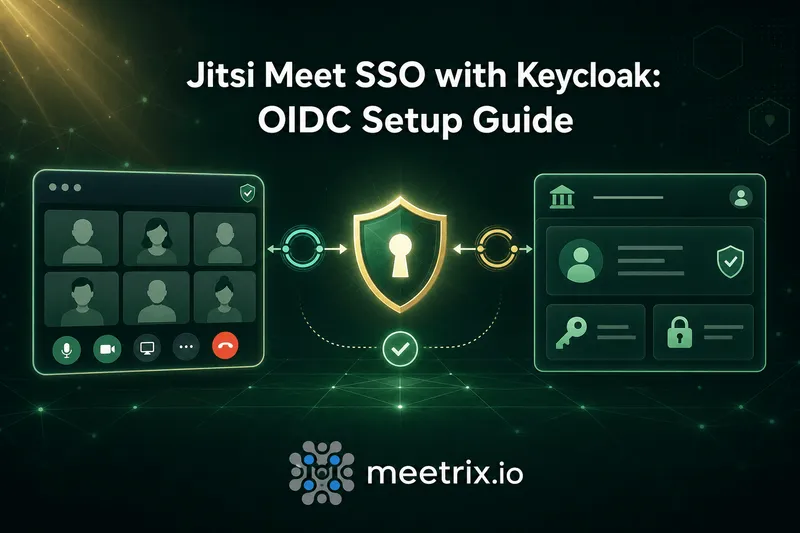
Three pieces, in order: a participant hits Jitsi, gets redirected to Keycloak to log in (standard OIDC flow), and once Keycloak confirms who they are, the adapter converts that into a signed JWT that Prosody's token auth module accepts. Jitsi never talks to Keycloak directly, the adapter is the translator sitting between them.
Two adapter options exist. jitsi-keycloak-adapter-v2 is Keycloak-specific and integrates more tightly with Jitsi features like tokenAuthUrl and muc_wait_for_host. jitsi-oidc-adapter is a fork of it built for any OIDC provider, useful if you're also running Authentik or plan to switch providers later. This guide uses the Keycloak-specific one since that's what the setup is actually for.
Configuring the Keycloak client
In your Keycloak realm, create a new client for Jitsi:
| Setting | Value |
|---|---|
| Redirect URI | Your adapter's tokenize endpoint, e.g. https://meet.example.com/oidc/tokenize |
| Web origins | Your Jitsi domain, or * during initial testing |
| Client authentication | Off (public client) on Keycloak 20+, or confidential with a client secret |
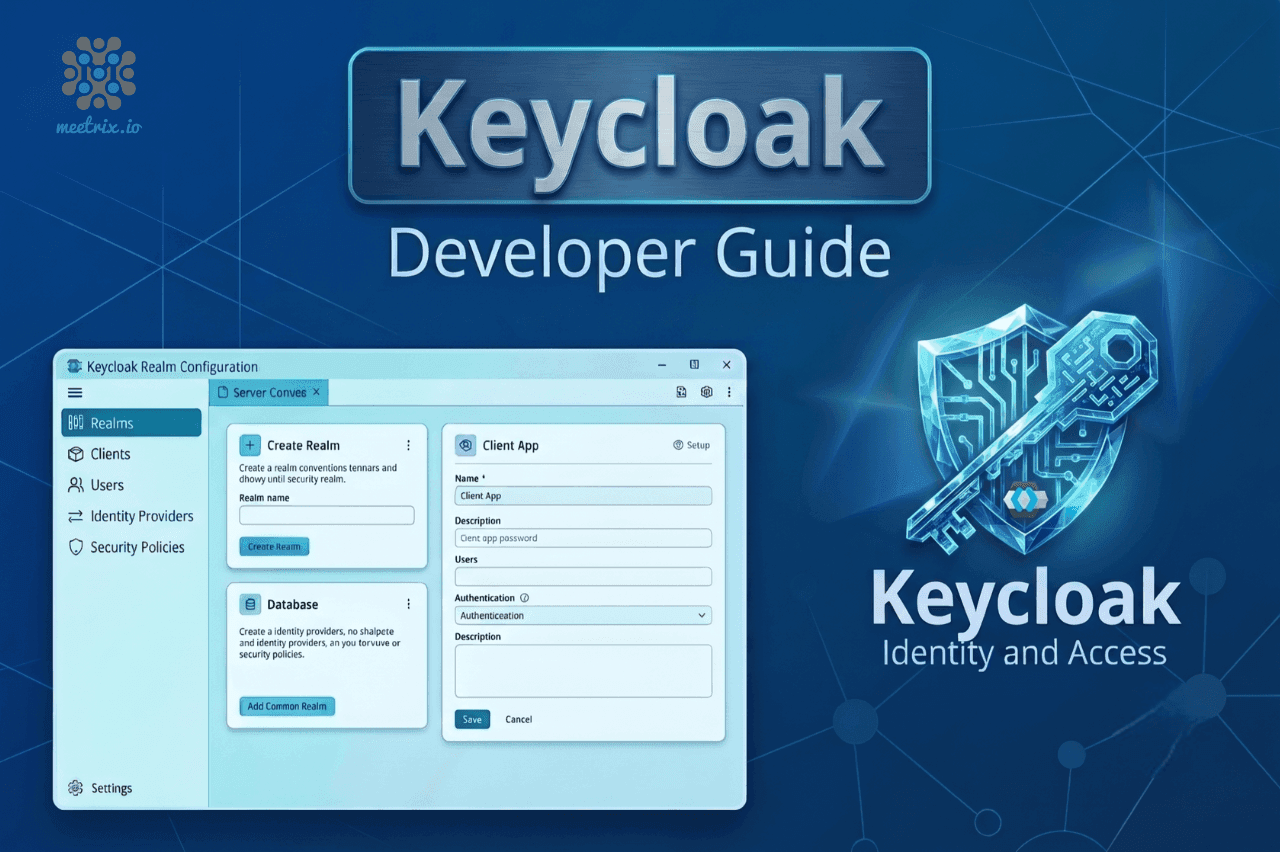
If you don't run Keycloak yet, our Keycloak developer guide covers getting an instance running before you get to this step.
Installing the Jitsi adapter
The adapter runs as its own service (built on Deno) alongside your Jitsi install, not inside it. Key environment variables it needs:
KEYCLOAK_ORIGIN=https://keycloak.example.com
KEYCLOAK_REALM=your-realm
KEYCLOAK_CLIENT_ID=jitsi
KEYCLOAK_CLIENT_SECRET=your-client-secret
JWT_APP_ID=jitsi-app-id
JWT_APP_SECRET=a-long-random-string
JWT_EXP_SECOND=3600
These two values have to match Prosody exactly
Updating Prosody and config.js
In your VirtualHost block (typically /etc/prosody/conf.d/<your-hostname>.cfg.lua), enable token authentication:
VirtualHost "meet.example.com"
    authentication = "token"
    app_id = "jitsi-app-id"
    app_secret = "a-long-random-string"
Then point Jitsi's frontend at the adapter in config.js:
config.tokenAuthUrl = 'https://meet.example.com/oidc/auth?state={state}';
config.tokenAuthUrlAutoRedirect = true;
This is the JWT mechanics working underneath the OIDC login, if the token format, claims, or signing details are unfamiliar, our JWT and Jitsi integration guide covers that layer on its own, and our overview of Jitsi's authentication methods covers how token auth compares to Jitsi's other login options.
Adding guest access
If some participants should be able to join without a Keycloak account, waiting for an authenticated host to start the meeting, add an anonymous domain and enable the lobby-style wait:
// config.js
config.hosts.anonymousdomain = 'guest.meet.example.com';
Component "conference.meet.example.com" "muc"
modules_enabled = { "muc_wait_for_host" }Without this, every participant needs a Keycloak login, which is the right call for an internal tool and the wrong one for anything with external guests.
Common SSO setup problems
- Redirects to Keycloak but bounces back without logging in: check the client's redirect URI matches the adapter's actual tokenize endpoint exactly, a trailing slash mismatch is a common culprit.
- Login succeeds at Keycloak, Jitsi still shows unauthenticated: almost always JWT_APP_ID or JWT_APP_SECRET not matching between the adapter and Prosody's config.
- Works for staff testing, guests can't join at all: anonymousdomain isn't set, so there's no path for unauthenticated participants at all, add it if guest access is intended.
- Client authentication settings don't match what the docs describe: this varies by Keycloak version, pre-20 uses a public access type, 20+ uses "client authentication off," check your actual Keycloak version before assuming the setting is missing.
Running Jitsi somewhere specific matters here too, our Jitsi on AWS and Jitsi on GCP guides cover the base deployment this SSO setup sits on top of.
Frequently Asked Questions
Does Jitsi Meet support SSO natively?
Not directly through OIDC. Jitsi's own auth layer, via Prosody, understands JWT tokens, not OIDC redirects. jitsi sso with an identity provider like Keycloak works through an adapter service that sits in between: it handles the OIDC login with Keycloak, then issues Prosody the JWT it actually expects.
What's the difference between jitsi keycloak and a generic jitsi oidc setup?
The Keycloak-specific adapter (jitsi-keycloak-adapter-v2) integrates more tightly with Jitsi features like tokenAuthUrl and muc_wait_for_host. A generic OIDC adapter (jitsi-oidc-adapter) forked from it works with other providers, Authentik included, at the cost of being slightly less tailored to Keycloak specifically.
How do I configure the Keycloak client for keycloak oidc jitsi login?
Create a client in your realm, set the redirect URI to your adapter's tokenize endpoint (something like https://your-domain/oidc/tokenize), set web origins to your Jitsi domain, and either disable client authentication (public client, Keycloak 20+) or configure it as confidential with a client secret.
Can guests still join without a Keycloak account?
Yes, if you want that. Adding an anonymous domain in config.js and enabling muc_wait_for_host on the MUC component lets guests wait in a lobby until an authenticated (Keycloak-logged-in) participant starts the meeting, rather than requiring everyone to have an account.
Does jitsi meet single sign-on require rebuilding Jitsi itself?
No. The adapter runs as a separate service alongside your existing Jitsi deployment, Prosody's config gets a few added lines for token auth, and config.js gets a tokenAuthUrl pointing at the adapter. Jitsi's core install is untouched.
What Prosody setting actually enables jitsi sso token checking?
authentication = "token" on the VirtualHost block, with matching app_id and app_secret values shared between Prosody and the adapter's JWT_APP_ID and JWT_APP_SECRET settings. Mismatched values here are the most common reason SSO logins fail silently.
Get Keycloak Running First
Launch a pre-configured Keycloak server on AWS, then wire it into Jitsi Meet with the adapter setup above for real single sign-on.
Launch Keycloak on AWS Marketplace