Every self-hosted LLM guide walks you through installing the model. Almost none of them cover the part that actually determines whether your app keeps working afterward: whether the server speaks the same API shape your code already calls.
An OpenAI compatible API self-hosted on your own infrastructure means the exact same OpenAI SDK code, the same base_url pattern, the same /v1/chat/completions request and response shape, now pointed at a server you control instead of api.openai.com. No rewriting prompt code, no swapping SDKs, no learning a new client library. Just a URL change.
Quick answer
Jump to a section
What makes an API OpenAI compatible
OpenAI's API isn't a proprietary protocol, it's a JSON-over-HTTP shape: POST a list of messages to /v1/chat/completions, get back a choices array with a message object inside. That shape became a de facto standard, enough tools now implement it that "OpenAI compatible" is shorthand for "the OpenAI SDK works against this without modification," regardless of what's actually generating the tokens underneath.
The endpoints that matter for compatibility:
| Endpoint | Purpose |
|---|---|
/v1/chat/completions | Chat-style requests with a messages array, what most apps actually call |
/v1/completions | Older-style single-prompt text completion |
/v1/embeddings | Vector embeddings for search and retrieval |
/v1/models | Lists what the server has loaded, useful for a health check |
A server doesn't need every OpenAI feature to count as compatible for your purposes, it needs to cover whatever your app actually calls. Check that before committing to a stack, not after deploying it.
Ollama's OpenAI compatible API
Ollama is the easiest on-ramp if you're already used to running models locally. It exposes an OpenAI-compatible surface at http://localhost:11434/v1, covering chat completions, completions, embeddings, and model listing, alongside its own native API.
curl http://localhost:11434/v1/chat/completions \
  -H "Content-Type: application/json" \
  -d '{
    "model": "llama3",
    "messages": [{"role": "user", "content": "Hello!"}]
  }'
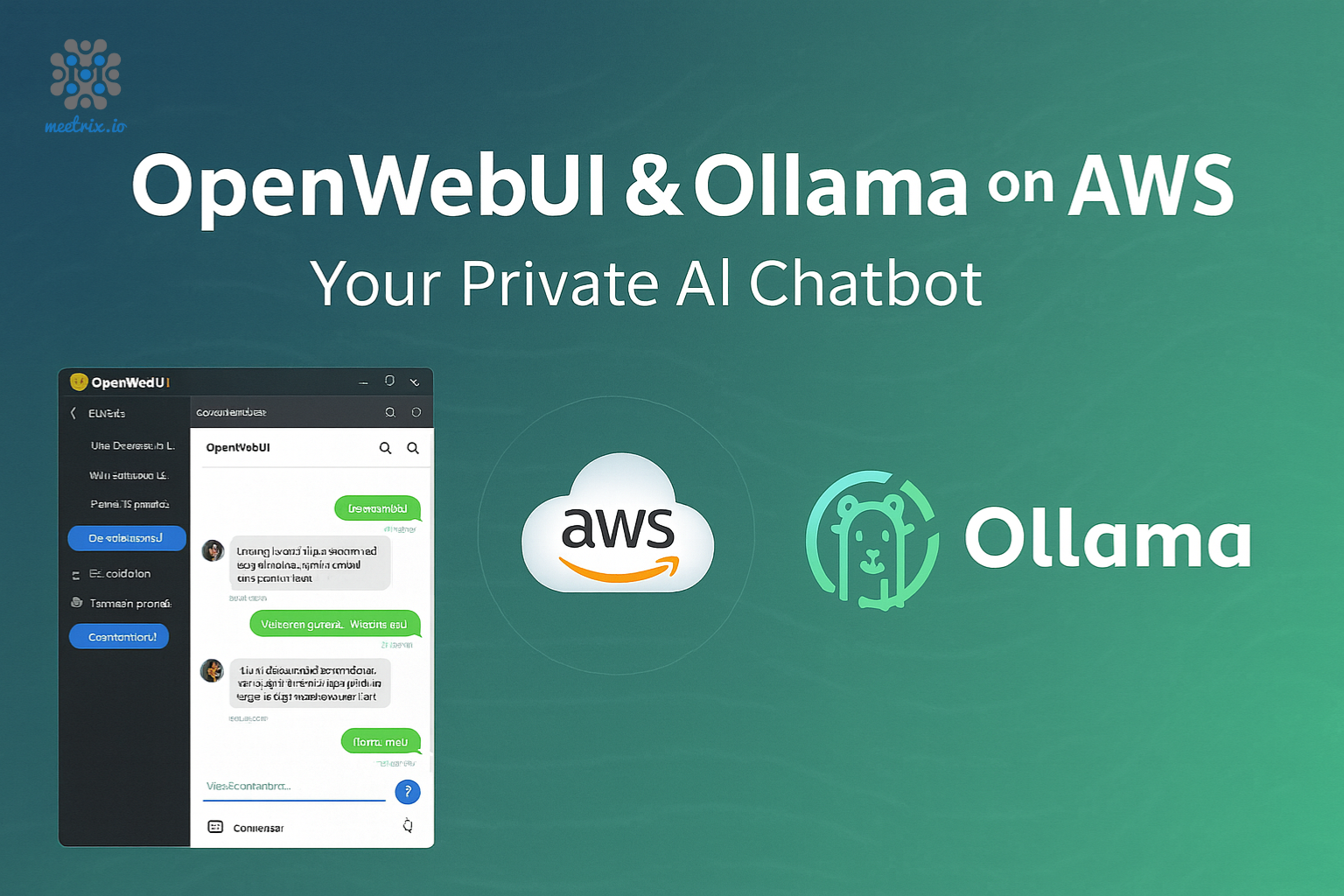
No API key enforcement by default, the OpenAI SDK still requires a non-empty key field, so you pass a placeholder like "ollama" and it's ignored server-side. If you're deploying Ollama with Open WebUI on AWS rather than running it bare, our Open WebUI + Ollama deployment guide covers that install end to end.
vLLM's OpenAI compatible server
vLLM is the heavier-duty option, built for throughput rather than convenience, and its OpenAI-compatible server is one of the more complete implementations available. It supports nearly the full Chat and Completions API surface, with real API key enforcement if you want it:
python -m vllm.entrypoints.openai.api_server \
  --model mistralai/Mistral-7B-Instruct-v0.2 \
  --dtype auto \
  --api-key token-abc123
That starts a server at http://localhost:8000/v1. Point the official OpenAI client at that address and the --api-key value actually gets checked, unlike most lighter-weight servers where the key field is a formality. vLLM needs GPU hardware to be worth running, if you're on CPU-only instances, Ollama or a llama.cpp-based server is the more realistic choice.
A pre-built OpenAI compatible AMI
If you'd rather not hand-configure a serving stack, Meetrix maintains a Mistral 7B AMI explicitly marketed as OpenAI API compatible, it comes up already serving /v1/chat/completions, /v1/completions, /v1/embeddings, and /v1/models on launch. Point your existing OpenAI SDK code at the instance's BASE_URL and it responds in the exact same shape shown above, no bearer token required by default.
The full install and CloudFormation walkthrough is in our Mistral developer guide, this article assumes that part is done and focuses on wiring your application to whichever endpoint you land on. If Mistral isn't the model you need, the Llama 3 developer guide and DeepSeek Coder developer guide cover the same OpenAI-compatible pattern for different models.
Swapping the OpenAI SDK's base_url
This is the actual point of the whole exercise: your application code doesn't change, only where it points.
from openai import OpenAI

client = OpenAI(
    base_url="https://your-server-address/v1",
    api_key="not-checked-by-most-self-hosted-servers",
)

response = client.chat.completions.create(
    model="mistral-7b-instruct",
    messages=[
        {"role": "system", "content": "You are a helpful assistant."},
        {"role": "user", "content": "What is the capital of France?"},
    ],
)

print(response.choices[0].message.content)
Same pattern in Node:
import OpenAI from "openai";

const client = new OpenAI({
  baseURL: "https://your-server-address/v1",
  apiKey: "not-checked-by-most-self-hosted-servers",
});

const response = await client.chat.completions.create({
  model: "mistral-7b-instruct",
  messages: [
    { role: "system", content: "You are a helpful assistant." },
    { role: "user", content: "What is the capital of France?" },
  ],
});

console.log(response.choices[0].message.content);
The model field still has to match something the server actually has loaded, that part isn't optional just because you're self-hosting. Check /v1/models against whatever server you're running before assuming a model name will resolve.
Choosing a serving stack on AWS
| Stack | Best for | Hardware |
|---|---|---|
| Ollama | Fastest to get running, good defaults, simplest ops | CPU or GPU, runs fine on modest instances |
| vLLM | High-throughput production serving, real API key enforcement | GPU strongly recommended |
| Meetrix Mistral AMI | Skipping the setup entirely, already OpenAI compatible on launch | Handled by the AMI's instance recommendation |
None of these are wrong choices, they're different trade-offs between control and setup time. If you're testing whether self-hosting even makes sense for your use case before committing engineering time, starting from a working AMI and pointing your existing code at it is the fastest way to find out.
Gotchas worth knowing before launch
- TLS matters more than it seems. Every OpenAI SDK call assumes HTTPS by convention even if it doesn't strictly require it, run your self-hosted endpoint behind a reverse proxy with a real certificate rather than plain HTTP once anything beyond local testing is involved.
- Streaming support varies. Not every self-hosted server implements the streaming response format the same way OpenAI's does, test your streaming code path specifically rather than assuming it works because the non-streaming path did.
- Function calling and tool use are inconsistent. Chat completions with tool calls are the least uniformly supported part of the OpenAI API shape across self-hosted servers. If your app depends on it, verify that specific feature before switching.
- The model name isn't cosmetic. Some servers route by the exact model string, others ignore it entirely, know which one you're running before debugging a "wrong model" response that's actually a routing quirk.
Frequently Asked Questions
What does OpenAI compatible API mean?
It means a server implements the same request and response shapes as OpenAI's API, /v1/chat/completions, /v1/completions, /v1/embeddings, /v1/models, so any client built against the official OpenAI SDK works against it unchanged. You only swap the base URL, not your application code.
Does Ollama have an OpenAI compatible API?
Yes. Ollama exposes an OpenAI-compatible surface at http://localhost:11434/v1, covering chat completions, completions, embeddings, and model listing. Point the OpenAI SDK's base_url there with any non-empty string as the API key and it works without code changes.
Is vLLM OpenAI compatible?
Yes, and it's one of the more complete implementations. Running python -m vllm.entrypoints.openai.api_server starts a server at /v1 that supports nearly the full OpenAI Chat and Completions API surface, with an actual --api-key flag if you want real key enforcement instead of a placeholder.
How do I run a self-hosted LLM API on AWS?
Launch a GPU or CPU-appropriate EC2 instance, install a serving stack (Ollama, vLLM, or a pre-built AMI like Meetrix's Mistral image), confirm it responds on /v1/chat/completions, then point your application's OpenAI SDK client at that instance's address instead of api.openai.com.
Do self-hosted OpenAI compatible APIs need an API key?
Not by default. Most self-hosted servers, Ollama included, don't validate the key at all, you pass a placeholder string because the SDK requires the field to be non-empty. vLLM and some others support a real --api-key flag if you want actual enforcement.
Can I use LangChain or LlamaIndex with a self-hosted OpenAI compatible endpoint?
Yes. Both frameworks' OpenAI integrations accept a custom base_url parameter for exactly this case. Point it at your self-hosted server's /v1 endpoint and the rest of your chain or index code doesn't need to change.
Launch an OpenAI-Compatible LLM API
Deploy a pre-configured, OpenAI API compatible Mistral 7B instance on AWS and point your existing OpenAI SDK code at it in minutes.
Get Mistral 7B on AWS Marketplace