Build an AI Chatbot Without Writing a Line of Orchestration Code
Most teams that want to ship an LLM-powered tool, a document chatbot, an internal Q&A assistant, or a customer support agent, run into the same wall. The LLM API is simple enough. Everything around it is not. You need to handle memory, retrieval from a vector database, prompt chaining, context windows, and the plumbing between all of them. That either means hiring someone who knows LangChain well, or paying for a hosted AI platform that charges per message and runs your conversation data through their servers.
Flowise on AWS Marketplace by Meetrix skips both. We packaged Flowise, the open-source LLM workflow builder, into a single AWS listing, so your team can start building AI pipelines on its own EC2 instance in minutes. Ready to get started? Launch the Meetrix Flowise listing on AWS Marketplace.
What is Flowise?
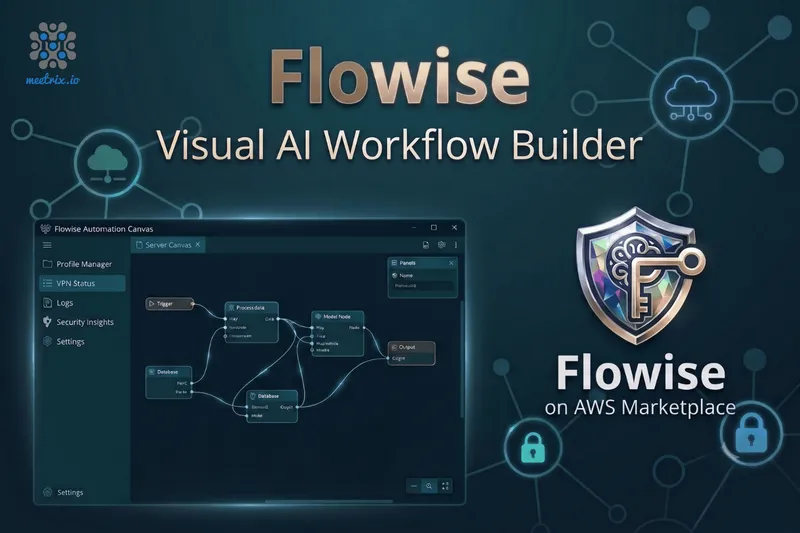
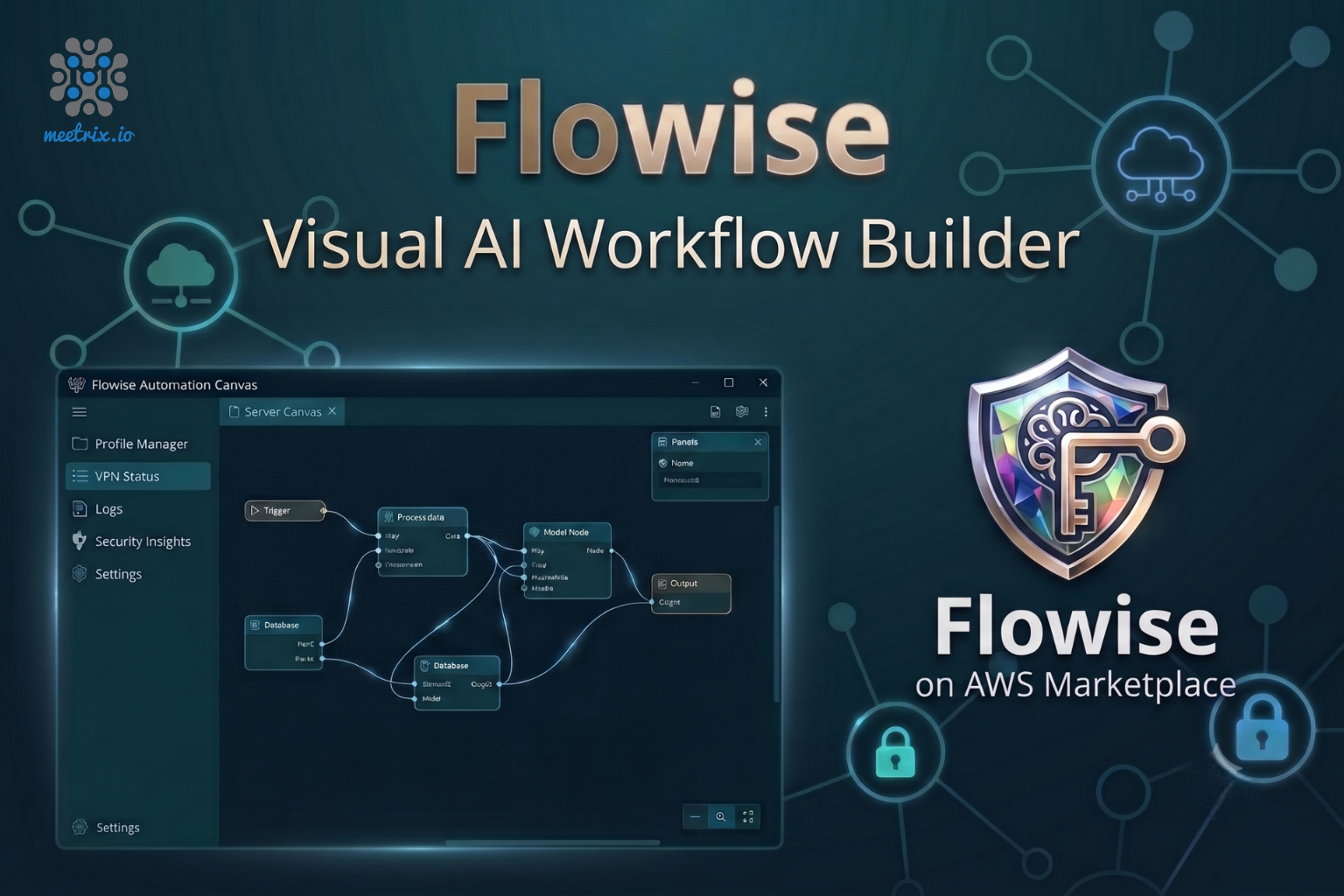
Flowise is an open-source tool for building LLM applications visually. You drag nodes onto a canvas, connect them, and the result is a working AI pipeline. A node might be a language model, a vector store, a document loader, a memory buffer, or a custom function. Flowise handles the orchestration between them so you don't have to write it yourself. Every flow you build automatically exposes an API endpoint you can call from any app, plus an embeddable chat widget if you want to put a frontend on it without building one.
Under the hood it's built on LangChain concepts, which means it supports the full range of LLM providers: OpenAI, Anthropic, HuggingFace, Azure OpenAI, Google Vertex, Ollama for local models, and more. You bring your own API keys and connect them to whichever model your use case calls for.
Key Advantages of Flowise on AWS Marketplace
How Deployment Works
Setting up Flowise by hand means provisioning an EC2 instance, installing Node.js and Docker, managing environment variables, and configuring a reverse proxy with SSL before you've opened the canvas once. Through the Marketplace, it's four steps:
- Launch from AWS Marketplace Open the Meetrix Flowise listing, choose your instance type and region, and deploy via CloudFormation. The stack provisions the EC2 instance with Flowise already running.
- Point Your Domain Create an A record pointing your domain at the instance's public IP. Flowise needs a real domain for SSL to issue correctly.
- SSL Issues Automatically Once DNS propagates, the instance requests and installs a Let's Encrypt certificate on its own. No certbot commands, no renewal reminders.
- Open the Canvas and Start Building Visit your domain, set up your admin credentials, and you're in. Drop your first LLM node, connect it to a document loader or vector store, and your first flow is running in minutes.
What Meetrix Brings to This Deployment
- No Runtime Surprises - The image ships with Flowise already configured, a reverse proxy in front of it, and firewall rules set correctly. You're not figuring out which ports to open or why the websocket isn't connecting.
- SSL That Just Works - Certificates are issued and renewed automatically. Flowise flows that serve end users over an embeddable widget need HTTPS, and you don't want to find out about an expired cert when a customer reports the chat box is broken.
- Your API Keys Stay Yours - Everything runs inside your own AWS account. Your OpenAI key, your Anthropic key, your conversation logs, your flow configurations, none of it passes through a third-party platform.
- No Per-Message Platform Fee - You pay for the EC2 instance and your LLM API usage directly. There's no Flowise platform subscription sitting on top, unlike hosted AI app builders that charge per workspace or per conversation.
- Engineers Who Actually Build With This Stack - If you need help scaling the instance, wiring up a vector database, or troubleshooting a flow that's misbehaving, you're talking to people who deploy AI infrastructure, not a support queue reading from a script.
Who Is Flowise on AWS Right For?
This deployment fits teams that need a working LLM pipeline without writing orchestration code from scratch or handing their data to a hosted platform. It's a strong match if you're:
- A product or ops team that wants to build an AI chatbot or document Q&A tool without waiting months for engineering bandwidth
- A developer prototyping a RAG pipeline who wants a visual canvas before committing to a code-first implementation
- A company that can't route conversation data through a third-party AI platform for compliance or data residency reasons
- An agency building LLM-powered features across multiple client projects and looking for a repeatable, self-contained setup
- A startup that wants to offer an AI assistant to customers and needs the backend hosted on its own infrastructure, not a vendor's
- A data team that wants to build document ingestion and retrieval pipelines over internal knowledge bases without deploying a custom app
- An engineering lead evaluating LLM orchestration tools who wants something the whole team can iterate on visually, not just the engineers who know LangChain
Flowise on AWS by Meetrix vs Alternatives
| Feature | Flowise on AWS by Meetrix | Dify | LangFlow | Self-Hosted Flowise (Manual) |
|---|---|---|---|---|
| Hosting | Your AWS account, fully self-hosted | Dify's cloud or self-hosted | Self-hosted or DataStax Astra cloud | Your AWS VM, set up by you |
| Data Control | Total - flows, keys, and logs stay in your account | On Dify cloud, data goes through their platform | On Astra cloud, data goes through DataStax | Total, once configured correctly |
| Deployment Time | Minutes via AWS Marketplace | Instant SaaS signup, or hours for self-hosted | Instant SaaS signup, or hours for self-hosted | Hours, more if SSL or Node.js config trips you up |
| SSL & Auth | Automated, issued and renewed on its own | Handled by the vendor on cloud plans | Handled by the vendor on cloud plans | Manual - easy to forget renewal |
| Pricing Model | AWS compute costs plus your own LLM API keys - no platform fee | Free tier, then per-message credits on cloud | Free self-hosted, paid on Astra cloud | AWS compute costs only |
| GDPR / Data Residency | Pick your AWS region, data stays put | Vendor's data processing terms apply on cloud | Vendor's data processing terms apply on cloud | On you to configure correctly |
| Support | Meetrix engineers, 24/7 | Community forums, or Dify's support tiers | Community forums, or Astra cloud support | Community forums, or you fix it yourself |
Resources
Video Guide
How Teams Use This in Production
Shipping a Customer-Facing AI Assistant Without Hiring an ML Engineer
The problem
A SaaS company wanted to add an AI support assistant to their product, trained on their documentation. They'd budgeted for it, but every scoping conversation with engineers came back with a timeline measured in months and a dependency on someone who knew LangChain.
What we did
We deployed Flowise on their AWS account, helped them set up a RAG flow over their documentation, and connected the built-in chat widget to their support portal. Their product team built and iterated on the flow themselves after the first session.
"We assumed building an AI assistant meant months of engineering work. We had a working prototype in a day once Flowise was running on our own server." Head of Product, SaaS Company, Canada
Building an Internal Document Q&A Tool Without Sending Data to a Third Party
The problem
A financial services firm wanted an AI assistant for internal analysts to query compliance documents and policy files. Every hosted AI platform they evaluated would have put those documents on an external provider's infrastructure, which their legal team ruled out immediately.
What we did
We deployed Flowise on their own AWS infrastructure in the required region, set up a RAG pipeline over their document library, and restricted access to internal users only through Flowise's built-in authentication.
"The moment we said our documents would stay on our own servers, legal approved it the same afternoon. That conversation had been blocked for months with hosted platforms." Head of Compliance Technology, Financial Services Firm, Germany
Delivering AI Chatbots Across Eight Clients on a Repeatable Stack
The problem
A digital agency was fielding more client requests for AI chatbots and document assistants than their engineers could handle. Each one was scoped as a custom build, with no shared infrastructure between clients and no way to reuse what had been built before.
Our approach
We helped them standardize on a Flowise instance per client, each deployed from the same AWS template into separate accounts. Flows were built and iterated on the canvas, not in a codebase, which cut delivery time significantly on each new engagement.
"We went from treating every AI chatbot as a custom engineering project to deploying a Flowise instance and building the flow. The difference in how fast we can move is significant." Founder, Digital Agency, Singapore
Frequently Asked Questions
What is Flowise used for?
Flowise is a visual builder for LLM-powered applications. People use it to create AI chatbots, document Q&A systems, RAG pipelines, and autonomous agents by connecting nodes on a canvas, without writing application code. You wire together your LLM, your data source, your memory, and your output, and Flowise handles the orchestration.
How is Flowise different from LangChain?
LangChain is a Python and JavaScript library that you use in code. Flowise is a visual interface built on top of LangChain concepts. If you want to prototype a RAG pipeline or chatbot without writing Python, Flowise is the faster path. If you need fine-grained programmatic control, you'd likely move to raw LangChain eventually, but most teams never need to.
Which LLM providers does Flowise support?
Flowise connects to OpenAI, Anthropic, HuggingFace, Cohere, Google Vertex AI, Azure OpenAI, Ollama for local models, and others. You bring your own API keys. The LLM provider you use is separate from the Flowise instance itself, so you can switch models or try multiple providers from the same workflow canvas.
Can I run Flowise on my own AWS infrastructure?
Yes, that is exactly what this AWS Marketplace listing is. Flowise runs inside your own AWS account on an EC2 instance. Your API keys, your conversation data, and your flow configurations all stay within your own environment.
Do I need coding skills to build flows in Flowise?
Not for most use cases. Building a chatbot, a RAG pipeline over uploaded documents, or a basic agent is all drag-and-drop. Flowise does support custom code nodes if you need to extend things, but the majority of what teams use it for never requires touching a terminal after the initial deployment.
Can I expose a Flowise chatbot to end users?
Yes. Every flow you build in Flowise generates an API endpoint you can call from any frontend. There is also a built-in embeddable chat widget you can drop into a website without building a frontend yourself.
Ship Your AI Workflow on Your Own Infrastructure
Stop paying a per-message platform fee for AI tools built on your own data. Deploy Flowise on AWS in minutes, set up by people who actually build with this stack.
Deploy on AWS Marketplace