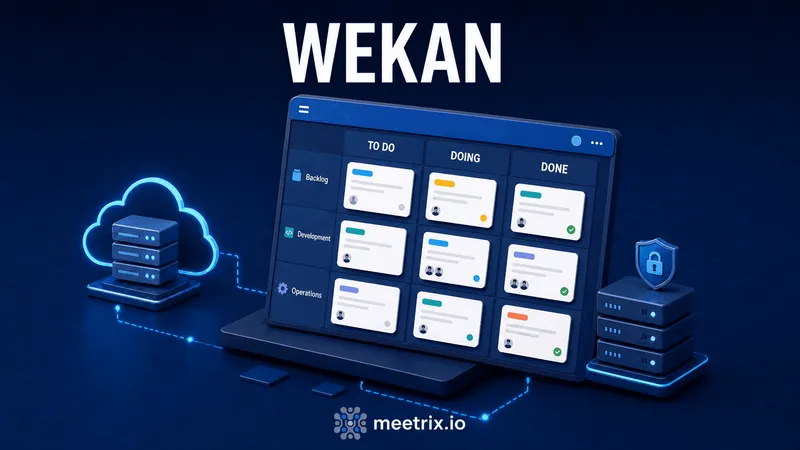
Search "wekan demo" and most of what comes back is either the GitHub README or a hosting company's marketing page. Neither tells you what it's actually like to run a board day to day. This is that piece: what's on screen, what the automation can and can't do, and where the interface still shows that it's a Meteor.js app from 2016 wearing a fresh coat of paint.
Wekan is the closest open-source clone of Trello you'll find, close enough that anyone who's used Trello can open a Wekan board and start working within a minute. The difference isn't the workflow, it's who owns the server. Trello is Atlassian's SaaS with per-seat pricing past the free tier. Wekan is MIT-licensed, self-hosted, and free regardless of team size, which is the entire pitch.
What a Wekan Board Actually Looks Like
Log in and you land on a list of boards you belong to, click one, and you're looking at a familiar layout: vertical lists (To Do, Doing, Done, or whatever you've renamed them to) full of cards you drag between columns. Each card opens into a detail view with a description field, checklists, due dates, labels, assigned members, and an activity log of who touched what and when.
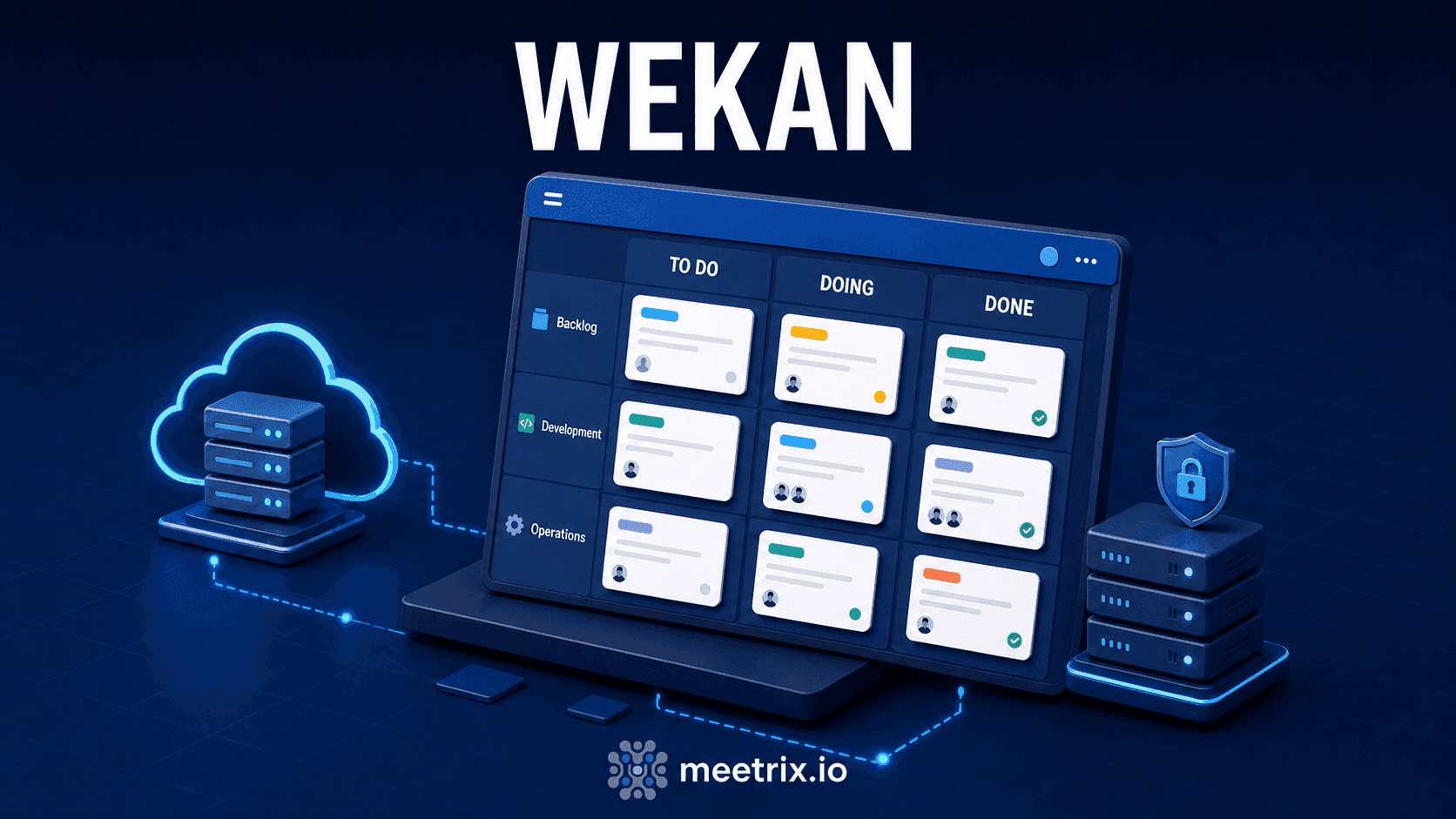
Where it starts to feel less like Trello: swimlanes. A swimlane is a horizontal row that cuts across all your lists, so instead of one board with four lists, you can have three swimlanes (say, one per project, or one per team) each running through the same To Do → Doing → Done columns. Trello only got something similar recently and buries it in paid tiers. Wekan has had it for years, free.
Swimlanes, Labels, and Custom Fields
Labels work the way you'd expect, colored tags you filter by by clicking the label itself in the sidebar. Custom fields are the part worth calling out: you can attach a dropdown, a number, a date, or a checkbox to every card on a board, then filter and sort by it. That turns a plain kanban board into something closer to a lightweight database view, useful if you're tracking, say, a priority score or a client name across every card without cramming it into the title.
None of this is unique to Wekan on its own. What's notable is that it's all included, no add-on marketplace, no "Business Class" tier gating custom fields behind a subscription.
WIP Limits and the Rules Engine
Set a WIP (work in progress) limit on a list or swimlane and Wekan visibly flags it, turns the column header red, once you go over. It's a small thing, but it's the difference between a kanban board that just stores cards and one that actually enforces the kanban method's core idea: stop starting, start finishing.
The Rules feature is the bigger one. It's a trigger-action system: when a card is moved to a specific list, when a due date passes, when a label is added, trigger an action, move the card somewhere else, add another label, send a notification, add a checklist. It's not a full workflow engine, don't expect branching logic or external API calls, but for "when a card hits Done, archive it and notify the reporter," it covers the common cases without needing Zapier or a webhook listener.
Where the API and webhooks fit in
For anything Rules can't handle, Wekan exposes a REST API and outbound webhooks, documented at wekan.github.io/api. That's the path for syncing cards with an external system, or triggering something outside Wekan entirely when a card changes state.
Where the Interface Shows Its Age
Wekan doesn't hide that it's an older codebase. Modals feel a step behind current SaaS polish, bulk-editing several cards at once is clunkier than it should be, and some menus need two clicks where a modern tool would use one. If your bar is "does this feel like Notion or Linear," it doesn't clear it.
None of that is a dealbreaker for what Wekan is actually for: a fast, self-hosted board for a team that wants boards, lists, cards, and automation without a monthly per-seat invoice. If your team needs a genuinely polished multiplayer experience with real-time cursors and a design team's worth of interaction polish, that's a different budget and a different tool. If the point is control over your data and zero licensing cost, the rough edges are a fair trade.
Getting a Board Running
Wekan installs via Docker, Snap, or from source (Node.js and Meteor), and the project's own guidance puts the floor at 1 GB of free RAM, with 4 GB recommended for anything beyond a handful of users. There's no official wekan.io cloud service, self-hosting is the point, so most teams either run it themselves or use a pre-configured image that skips the Meteor build step entirely.
Meetrix maintains exactly that: a ready-to-launch AWS AMI with Wekan pre-installed. Our developer guide covers the CloudFormation launch, DNS, and SSL steps end to end if you'd rather not hand-build the server.


Frequently Asked Questions
Is Wekan actually free to use?
Yes, fully. Wekan is MIT-licensed, so there's no per-user fee, no board limit, and no premium tier hiding features behind a paywall. The only cost is wherever you host it.
Is Wekan still actively maintained?
Yes. The main repository has commits within the last few days as of this writing, and Lauri Ojansivu has maintained it continuously since 2016. It's not a project that's gone quiet, over 350 contributors and 20,000+ GitHub stars at this point.
Does Wekan have an official hosted or cloud version?
No. There's no wekan.io SaaS run by the core team. A few third-party hosts sell managed Wekan instances, but the project's whole reason for existing is that you run it yourself, which is also why Meetrix ships a ready-to-launch AMI for it.
How is Wekan different from Trello?
Same mental model: boards, lists, cards, drag and drop. The difference is who holds the data and what you pay. Trello is a polished SaaS with per-seat pricing above the free tier; Wekan is self-hosted, free at any team size, and rougher around the edges in exchange.
Does Wekan support WIP limits and automation rules?
Yes to both. You can cap how many cards sit in a list or swimlane at once, and the built-in Rules feature lets you set up trigger-and-action automations, move a card, add a label, notify someone, without touching code.
Can I import my existing Trello boards into Wekan?
Yes, Wekan has a built-in Trello JSON import. Export a board from Trello, upload the file to Wekan, and it recreates lists, cards, labels, and checklists. Attachments and comment history come across less reliably than the board structure itself.
Related Articles

Try Wekan Without Building the Server Yourself
Meetrix's pre-configured Wekan AMI handles the install, database, and SSL setup, so you can open a board and start testing swimlanes and rules within minutes instead of an afternoon.
Launch Wekan Kanban on AWS Marketplace