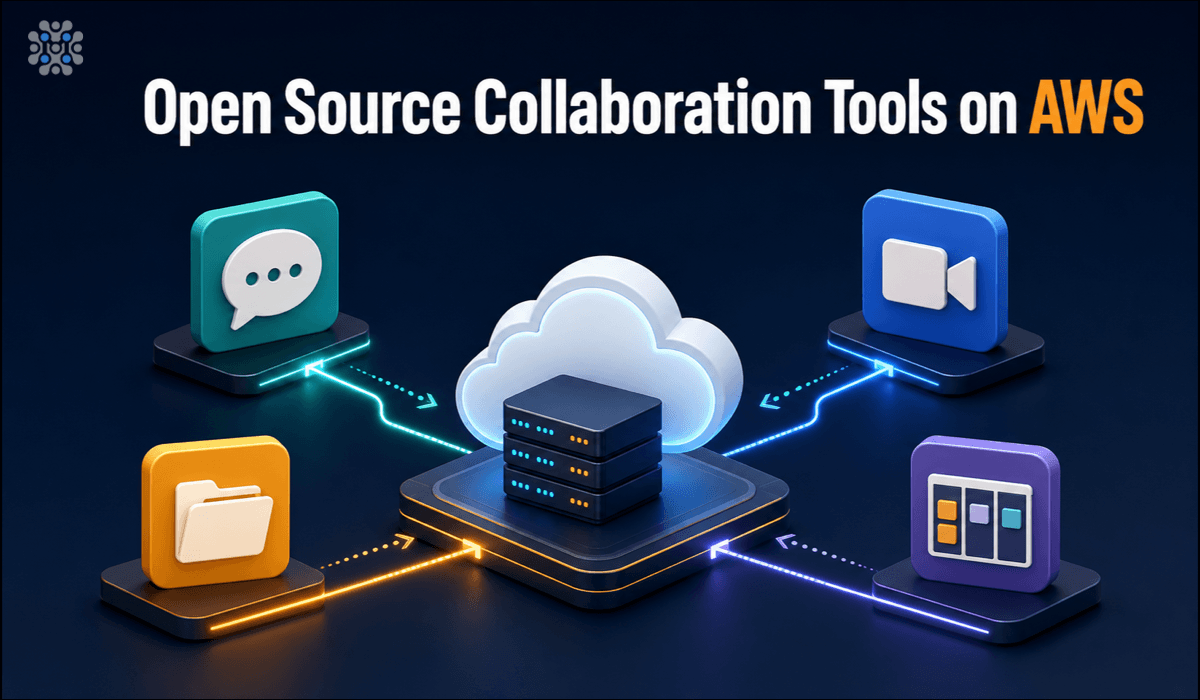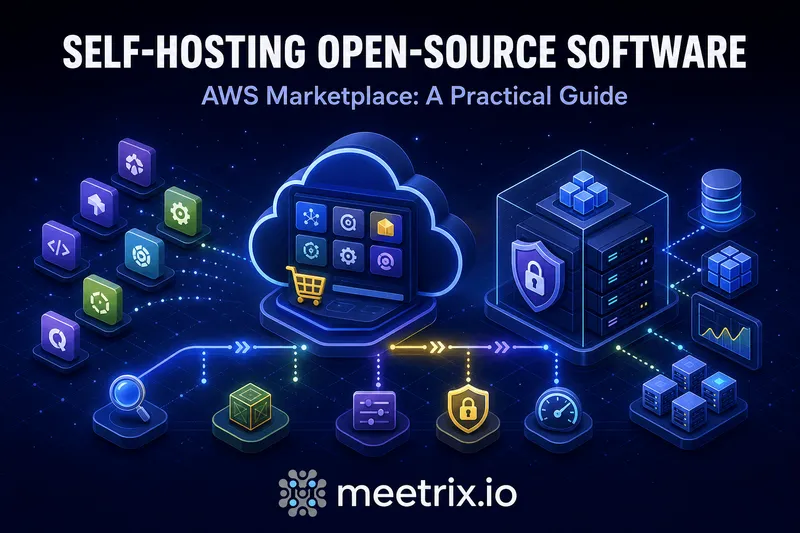
At some point every growing team hits the same wall: the SaaS bill for chat, video, file storage, auth, or hosting has quietly become a real line item, and someone asks "could we just run this ourselves." Self hosted software on AWS is the answer, open source tools you launch on your own EC2 instance instead of a vendor's hosted account. The software is free. The question is always whether running it yourself is worth the trade.
We maintain AWS Marketplace AMIs across six categories that come up constantly in that conversation: video conferencing, team collaboration, file storage, backend platforms, identity management, and app hosting. This is the map of what replaces what, what each category actually costs to run, and where to start.
Quick answer
Jump to a section
Why bother self-hosting at all
Nobody self-hosts for fun. It's almost always one of three things: the SaaS bill scaled past what the tool is worth, the data needs to stay somewhere specific for compliance reasons, or the hosted version is missing a feature the open source project actually has.
Self hosting on AWS answers all three at once. You're not locked into a vendor's roadmap or their pricing tier, and the data never leaves an account you control. It's not free of cost, though, just a different kind of cost. You're trading a monthly SaaS invoice for a smaller EC2 bill plus the time it takes to keep the server patched and backed up.
For a five-person team, that trade often isn't worth it. The SaaS free tier or a low-seat plan is usually cheaper than the attention a self-hosted box demands, and I'd tell a team that size to stay put. Past a certain headcount, the math flips hard, and that's where "self hosted alternatives to SaaS" stops being a hypothetical and starts being a real project.
1 Jitsi Meet: ditch Zoom's bill
Jitsi Meet is Apache 2.0 licensed, and of everything in this roundup, it's the one with the clearest SaaS villain. Zoom's per-host pricing and its free tier's 40-minute cap on group calls. Jitsi has neither. Anyone with the link joins instantly, no account required, and a single conference holds up to 200-250 participants before the frontend starts showing strain, that's from our own load testing, not a spec sheet.
Key features
- Join by link, no account or app install needed for guests
- Recording and live streaming via Jibri, to local storage or YouTube/RTMP
- Full UI and domain branding customization
- Native mobile apps alongside the browser client
2 Replacing Slack and Jira
Team chat and project management are usually the first two SaaS bills a team tries to cut, and there isn't one tool that replaces both. Mattermost and Rocket.Chat cover chat. Plane and Wekan cover project tracking, and they are two of the stronger open source Jira alternatives if you want the whole field. Which one fits depends on whether you need customer-facing support alongside internal chat, and whether you want Jira-style sprints or just a Kanban board, small distinctions that matter more than they sound. We walk through that full decision, tool by tool, in our open source collaboration tools roundup.
3 Nextcloud: your own Google Drive
Nextcloud is AGPL-3.0 licensed with unlimited users and apps in the Community Edition. It's less a single app than a bundle: Files, Talk for calls, Groupware for calendar and contacts, Office for document editing, all in one platform. That's what makes it the closest single tool to replacing Google Workspace, not just Drive on its own.
Key features
- File sync and sharing across desktop, mobile, and web
- Calendar, contacts, and collaborative document editing built in
- A large app ecosystem for extending the platform further
- Full control over where documents physically sit
4 Supabase: an open Firebase
Supabase is the open source answer to Firebase: a Postgres database, authentication, auto-generated APIs, file storage, and edge functions, bundled together and self-hostable under Apache 2.0. Teams reach for it for one of two reasons. Firebase's NoSQL model stops fitting the data, or Firebase's usage-based pricing on reads and writes starts adding up faster than anyone budgeted for.
Key features
- Full Postgres database, not a proprietary NoSQL store
- Built-in auth, storage, and auto-generated REST and GraphQL APIs
- Row-level security policies enforced at the database layer
- Realtime subscriptions for live data updates
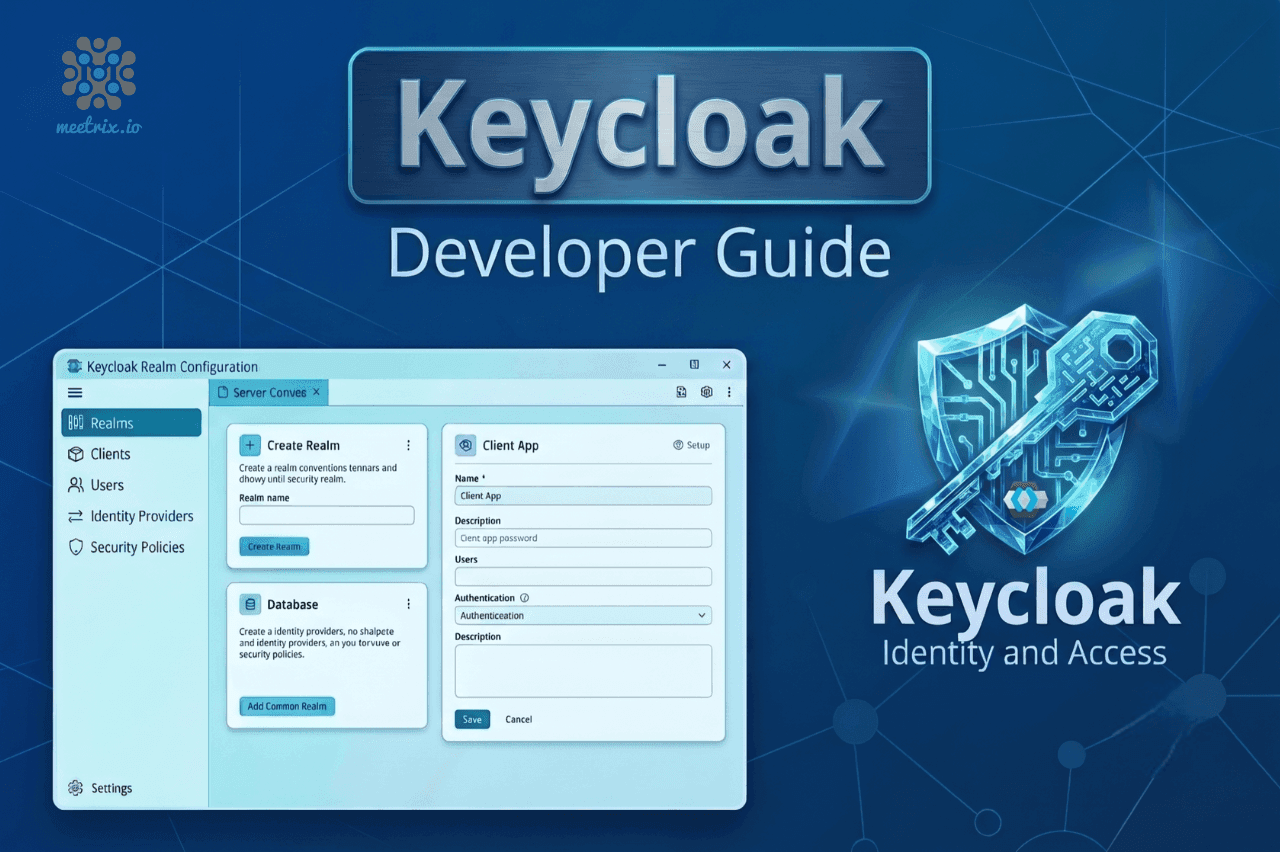
5 Keycloak: SSO without per-user fees
Keycloak handles SSO, SAML, OpenID Connect, and LDAP integration under an Apache 2.0 license, with no per-monthly-active-user pricing attached. Auth0 and Okta both charge by active user once you're past their free tier, and that gets expensive fast for a customer-facing app with real traffic. Keycloak's cost is just the EC2 instance it runs on. Flat, regardless of how many users authenticate through it.
Key features
- SAML, OpenID Connect, and LDAP federation out of the box
- Fine-grained role and permission management per application
- Social login providers and custom identity brokering
- No per-active-user billing, ever
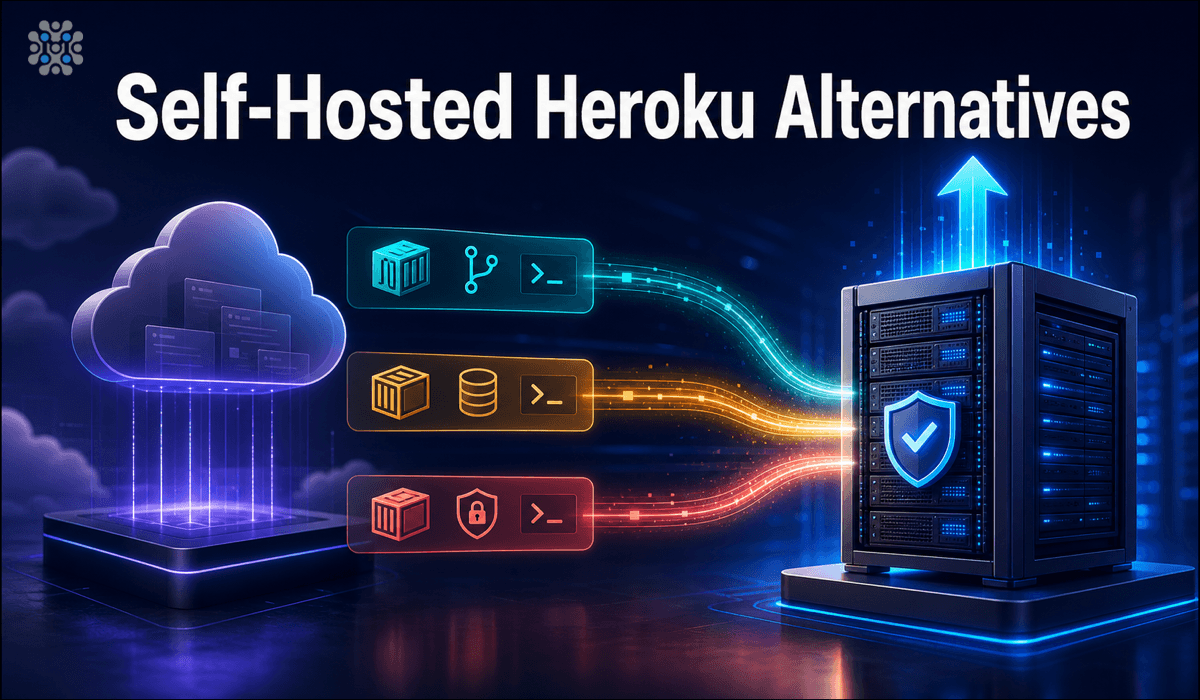
6 Ditching Heroku's dyno pricing
Heroku's dyno pricing punishes exactly the kind of small, always-on app that used to be its whole pitch. A handful of open source platforms, Coolify, Dokploy, and CapRover among them, give you Heroku's git-push-to-deploy workflow on your own EC2 instance instead. Which one actually fits depends on the workload, we break it down in our self-hosted Heroku alternatives guide.
Deploying open source on AWS
The honest version: standing up any one of these from a blank EC2 instance, OS hardening, dependencies, database, reverse proxy, TLS certificates, is easily a day of work before anything is usable. That's the entire reason pre-configured AMIs exist. Launch one, point it at a domain, and the SSL and reverse proxy are already handled; you're connecting data sources and inviting users within the hour instead of debugging a Let's Encrypt renewal cron job.
An AMI removes setup work, not maintenance
Where to start
Don't try to replace every SaaS tool you use in one project. Pick the bill that annoys you most this quarter. Zoom too expensive: Jitsi Meet. Slack or Jira: the collaboration roundup. Google Drive: Nextcloud. Firebase: Supabase. Auth0 or Okta: Keycloak. Heroku: the PaaS alternatives guide. Get one running, confirm it's actually solving the problem, then move to the next.
Frequently Asked Questions
What does it actually mean to self-host software on AWS?
You launch the application on your own EC2 instance, using a pre-configured AMI, instead of signing up for a vendor's hosted SaaS account. You control the server, the data, and the config; the software itself is open source and carries no license fee.
Is self-hosting on AWS actually cheaper than paying for SaaS?
Usually, once you're past a handful of users. You pay flat EC2 compute costs regardless of headcount, where SaaS pricing scales per seat. A team of 20 on a $12-per-user SaaS plan is paying more per month than most of these tools cost to run on a mid-size instance.
What are the best self-hosted alternatives to SaaS tools?
It depends which bill is bothering you. Jitsi Meet replaces Zoom, Nextcloud replaces Google Drive, Supabase replaces Firebase, Keycloak replaces Auth0 or Okta, and our self-hosted Heroku alternatives roundup covers app hosting and PaaS platforms.
How do I deploy open source software on AWS without doing the setup myself?
Use a pre-configured AMI. Meetrix publishes ready-to-launch AMIs for each of these categories on AWS Marketplace, so the OS hardening, dependency install, and SSL setup are done before the instance finishes booting.
Is self-hosted software on AWS Marketplace secure?
As secure as you make it. The AMI ships with sane defaults and SSL configured, but you're still responsible for OS patches, access control, and backups going forward, there's no vendor SLA doing that for you.
Do I need to be an AWS expert to self-host these tools?
No. Launching a CloudFormation-based AMI is a handful of clicks, mostly picking an instance size and a domain. You'll want basic AWS familiarity (EC2, security groups) for troubleshooting later, but the initial deploy doesn't require deep expertise.
Browse Meetrix's Self-Hosted AMIs on AWS
Every category above ships as a pre-configured, ready-to-launch AMI, SSL and reverse proxy already set up, on Meetrix's AWS Marketplace catalog.
View Meetrix on AWS Marketplace